MojiBlade gameplay guide
How to Play MojiBlade: A Step-by-Step Battle Guide
How to play MojiBlade is easiest to learn by completing one calm first round. Pick a character and font, confirm the preview, drag the blue top away from your intended line, then release to launch. This guide explains the controls, spin energy, Dash timing, and the difference between Free Battle and Survival Challenge so you can make a useful adjustment after every match.
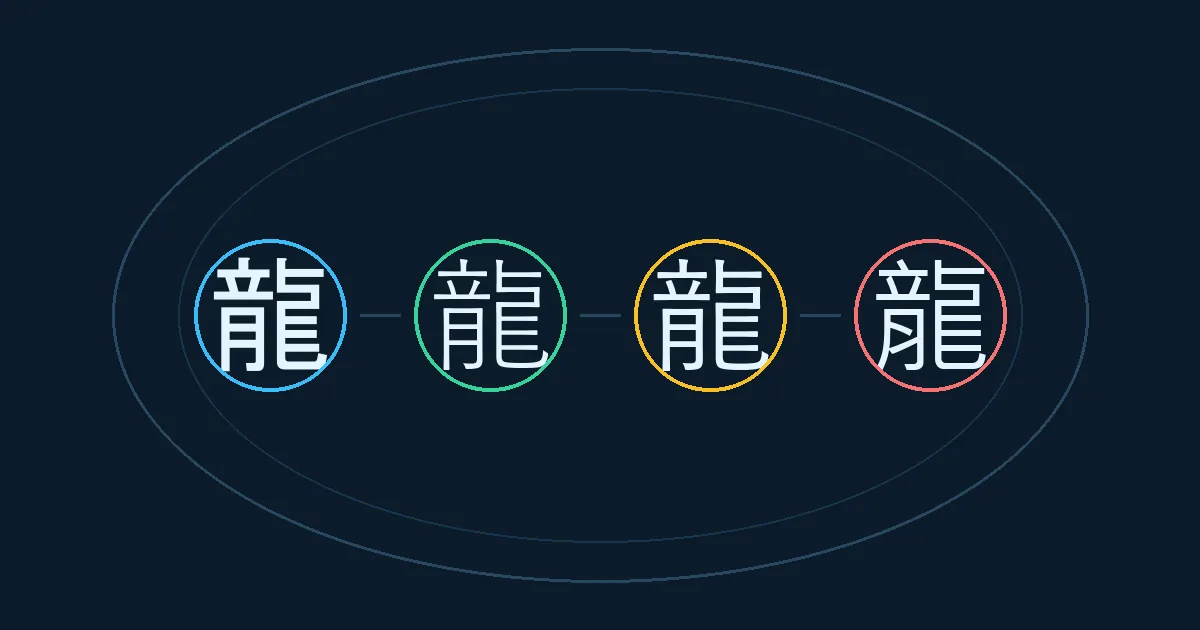
How to play MojiBlade in one round
Enter a character, choose a typeface, and watch the preview. Press the entry button, wait for the arena, and drag the blue blade opposite the direction you want it to travel. Release to shoot. During the clash, protect spin energy, use Dash only when it changes the line of contact, and keep the camera view clear enough to see both tops. A win means your top keeps spinning after the opponent stops; a loss is useful feedback about the setup or launch angle.
- Choose one readable character before experimenting with unusual symbols.
- Pull farther for more launch power, but keep the release direction deliberate.
- Watch both spin meters instead of judging the result from one impact.
- Use Free Battle to isolate a matchup and Survival Challenge to practice adaptation.
1. Set up your first MojiBlade character
The setup screen is where the game turns text into a battle object. The character is not a cosmetic label: its filled area and outline become part of the local physics model. Start with a single glyph such as a bold Kanji, a Hiragana character, or a letter that you can recognize quickly during motion.
Enter a character
Type one character in the blade field. A short input makes the first round easy to read. If you use a symbol or emoji, check that the browser font can draw it before you launch.
Select a typeface
Compare the preview in a serif, Gothic, brush, or rounded style. Serif tips may create sharper contacts; Gothic shapes often look more even; brush and rounded styles can move differently because their outlines are less uniform.
Read the preview
Look for a heavy filled shape, a stable center, or an obvious point. These are practical visual clues, not a permanent tier ranking. The same character can behave differently when its typeface changes.
Enter the arena
Choose Entry and then Battle Start. Give the arena a moment to place both tops. Keep the first attempt simple so you can tell whether a miss came from the setup or from your launch.
2. Launch with a clear direction
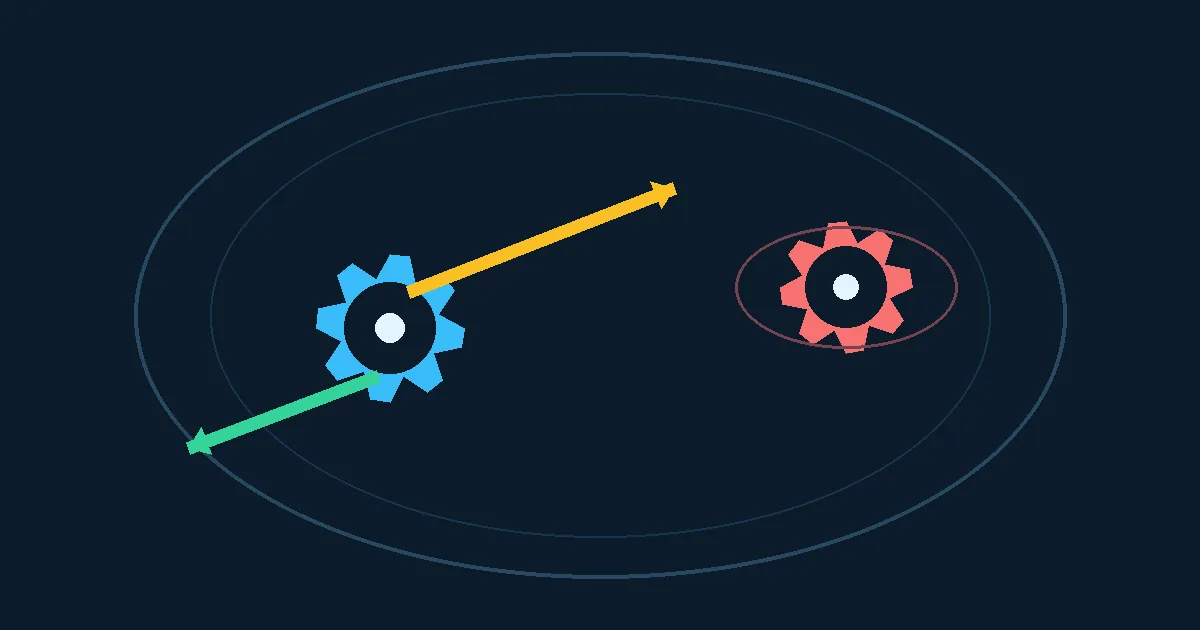
MojiBlade uses a drag-and-release launch. The useful mental model is a slingshot: the top travels opposite the direction of your pull. Point the cursor or finger where you want the top to go, then pull the blue top away from that line. Release when the arrow or launch guide matches your intended target.
A short pull is safer when you are learning the arena. It gives you time to see the opening collision and leaves room for a second attempt. A long pull creates more initial speed, but a small angle error can send the top past the opponent or into the wall. Start by aiming at the opponent's broad side rather than a narrow point.
The first collision tells you more than the launch animation. If your top bounces away with plenty of spin, your line may be too shallow. If it reaches the opponent but loses energy immediately, try a heavier shape, a steadier font, or a less direct contact angle. Change only one variable between rounds so the result remains understandable.
On touch screens, use a firm drag and release rather than a series of taps. Keep your finger inside the arena until the shot is committed. On desktop, a mouse drag works the same way. The browser handles the local simulation, so a stable frame rate and a clear view are more useful than rapid repeated inputs. This simple launch rhythm is the first practical lesson in how to play MojiBlade.
3. Read spin energy and use Dash
Once both blades are moving, stop making inputs for a moment and read the arena. Each side has a spin-energy meter. The meter is a better decision signal than a single dramatic hit because a top can survive a collision while quietly losing its ability to recover.
Use Dash when it changes the next contact, not simply because the control is available. A timed burst can close a gap, escape a wall, or turn a glancing hit into a clean side impact. If the opponent is already moving away, spending energy on a chase may leave your own top weak for the next collision. Wait for a line that leads somewhere useful.
The arena gives you three quick questions: Which top is losing spin faster? Is either top close to the rim? And will the next contact be broad, pointed, or almost parallel? The answers suggest the next action. Protect a low meter, steer away from a dangerous rim, or use Dash to meet the opponent before it builds a better angle.
A critical hit is a sharp contact event, not a guaranteed effect from a specific character. Treat the visual flash as feedback about the current angle and font outline. Record what happened, then test the same matchup again before deciding that a character is always strong or weak. Learning how to play MojiBlade means reading that feedback instead of chasing one dramatic hit.
4. Choose the right battle mode
The two main modes answer different questions. Pick Free Battle when you want a controlled comparison. Pick Survival Challenge when you want to adapt to a sequence of opponents and protect a streak.
| Mode | Best for | What to practise |
|---|---|---|
| Free Battle | Learning a matchup or checking a font | Repeat the same opponent, direction, and character until one change is clear. |
| Survival Challenge | Practising decisions across several rounds | Keep a stable setup, read the new opponent, and change your plan after each result. |
| Hiragana or special rules | Exploring a restricted character pool | Treat the rule set as a small experiment; compare balance and launch control, not only wins. |
5. Turn one round into a repeatable test
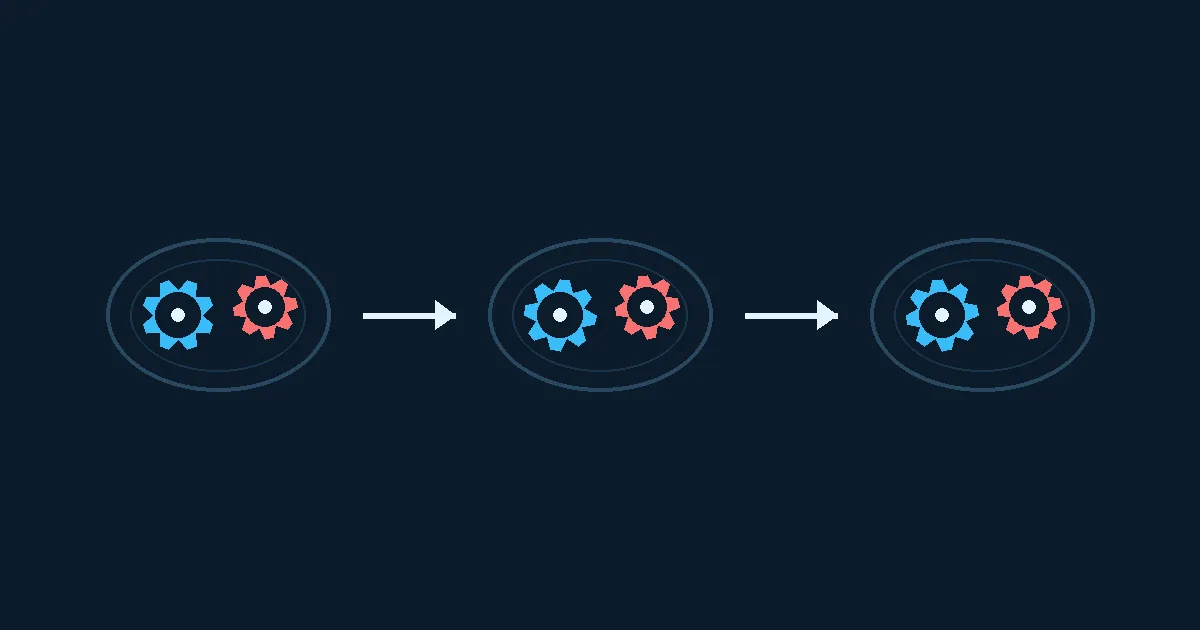
Good practice is a short loop: set a baseline, repeat it, change one setting, and write down the result. A baseline might be the same character, typeface, opponent, difficulty, and launch pull three times. If the outcomes vary, improve your release timing before judging the glyph.
After a win, repeat the round once. This checks whether the result came from a reliable setup or from a lucky angle. After a loss, do not replace everything at once. First make the launch line more consistent, then try a different font, and only then compare a new character. This order keeps the lesson visible.
The homepage tier section is useful for broad character ideas, while this guide focuses on the actual play loop: setup, launch, contact, energy, and mode choice. Link back to the arena when you are ready to play, and return here when a result is hard to explain. If you are still learning how to play MojiBlade, repeat this loop before changing the matchup.
Common first-round mistakes
- Pulling toward the target instead of away from it, which reverses the intended launch line.
- Changing the character, font, and opponent after one collision, leaving no clear lesson.
- Using Dash while the opponent is already leaving the contact zone.
- Watching only the dramatic impact and ignoring the two spin-energy meters.
- Assuming a single glyph is universally strongest without repeating the same test.
FAQ
How to play MojiBlade on a phone?
What should I choose for a first character?
Why did my top lose after a strong hit?
Should I use Free Battle or Survival Challenge?
Is there one strongest character?
Continue exploring MojiBlade
The fastest way to learn how to play MojiBlade is to make your first round easy to interpret. Start with a visible character, a deliberate pull, and one mode. Read the energy meters after contact, change one setting, and repeat. That small loop turns a surprising collision into a strategy you can use again.